Michael Vandi
A loan file can look ready until a missing bank statement or mismatched income figure sends it back for review.
That’s why lenders are paying closer attention to mortgage document automation software. The right tool can read borrower paperwork, find missing details, flag problem areas, and prepare the file for the next reviewer.
This guide compares the top options so you can see which tool matches the work you do every day.
TL;DR
Here are the six best software options that scan mortgage records, flag missing details, and get loan files ready for review.
Infrrd
Ocrolus
Amazon Textract
airSlate
TRUE
Document Automation Methods Used in Mortgage Lending
Mortgage document automation software doesn’t all do the same job. A basic routing system won’t review pay stubs, bank statements, or tax forms.
Most options fall into four categories.
Rule-Based Document Automation
Rule-based systems follow “if this, then that” instructions.
They can rename files, route PDFs, send alerts, or place uploads in folders. They work when the task follows the same pattern every time.
They fall short when loan documents vary. A new layout, duplicate upload, or renamed form can still require human review.
OCR for Mortgage Documents
Optical character recognition (OCR) reads text from scanned documents and images.
Clean PDFs, standard borrower forms, and legible W-2s yield the best OCR results. The software turns page text into usable data and cuts down manual data entry.
Handwriting, long bank statements, low-quality scans, and multi-column layouts cause problems. For mortgage document processing, OCR often needs stronger software behind it.
Intelligent Document Processing
Intelligent document processing (IDP) classifies mortgage paperwork and extracts key fields.
Lenders use it for tax forms, pay stubs, bank statements, 1003s, and income verification records. Unlike OCR, IDP can recognize different layouts without a fixed template.
Reviewers can correct errors, and the system learns from those corrections.
Agentic AI for Mortgage File Review
Agentic AI uses extracted data to prepare notes for reviewers.
It can summarize a loan file, compare fields, flag mismatches, and list missing documents. It can also prepare handoff notes for the next person in the loan process.
Agentic AI doesn’t make lending decisions. Mortgage professionals still review the file and make the final decisions.
With those categories separated, the next step is comparing the tools that apply them in real mortgage workflows.
Top 6 Mortgage Document Automation Solutions in 2026
The tools below help you turn borrower files into structured data that you can review, verify, and use in the loan process.
1. Addy — Best for AI Loan File Preparation
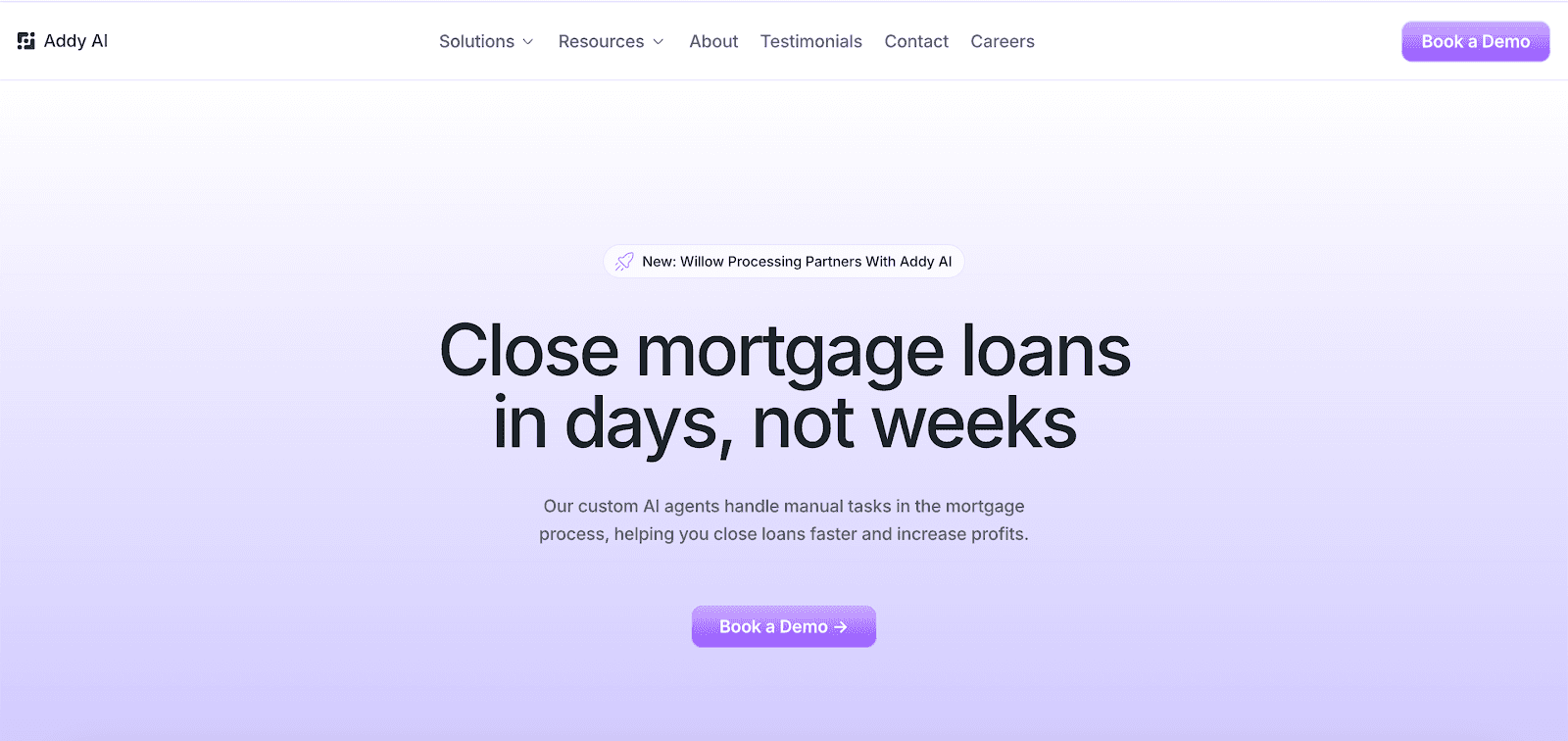
Addy suits mortgage lenders that need AI to extract borrower data, check loan conditions, and prepare files for underwriting.
It connects to a loan origination system (LOS), customer relationship management (CRM) platform, or point-of-sale (POS) platform rather than replacing them.
That makes Addy useful for lenders with existing mortgage software who still rely on processors for detailed file review.
Key Features
Extract borrower data from the Uniform Residential Loan Application (1003), 1040s, 1099s, W-2s, W-9s, pay stubs, bank statements, tax forms, borrower emails, and LOS records
Read unstructured files with computer vision when document formats vary
Classify documents and match them to the right loan
Summarize borrower paperwork and messages
Flag large deposits, automated underwriting system findings, and open conditions
Compare lending guidelines from agency, non-qualified mortgage (non-QM), and lender-specific rules
Send document requests through email, text, or phone
Sync loan data with lending systems, email, Slack, and Microsoft Teams
Run a Processing Checklist that prepares condition-ready files right away
Addy also offers a browser extension for mortgage professionals. Loan officers can search guidelines, price loans, and request documents from the browser.
Where Addy Enters the Mortgage File
Addy usually enters the workflow once borrowers start sending paperwork.
When pay stubs and bank statements arrive, Addy identifies income and asset details, flags large deposits, and updates the loan record.
For open conditions, Addy checks the file, lists what’s missing, and sends follow-ups to the borrower or broker.
Before submission, processors can use Addy to compare the loan scenario against lending guidelines and see what the file may need.
Addy’s ChatGPT App for Pre-Underwriting
Addy also launched a ChatGPT workflow for mortgage file review. The app can analyze loan scenarios, identify missing conditions, and generate pre-underwriting findings in roughly five minutes.
Loan officers still review the file and make the call. Addy helps organize early borrower questions and file details before formal review.
2. Infrrd — Best for Income Review and Audit Automation
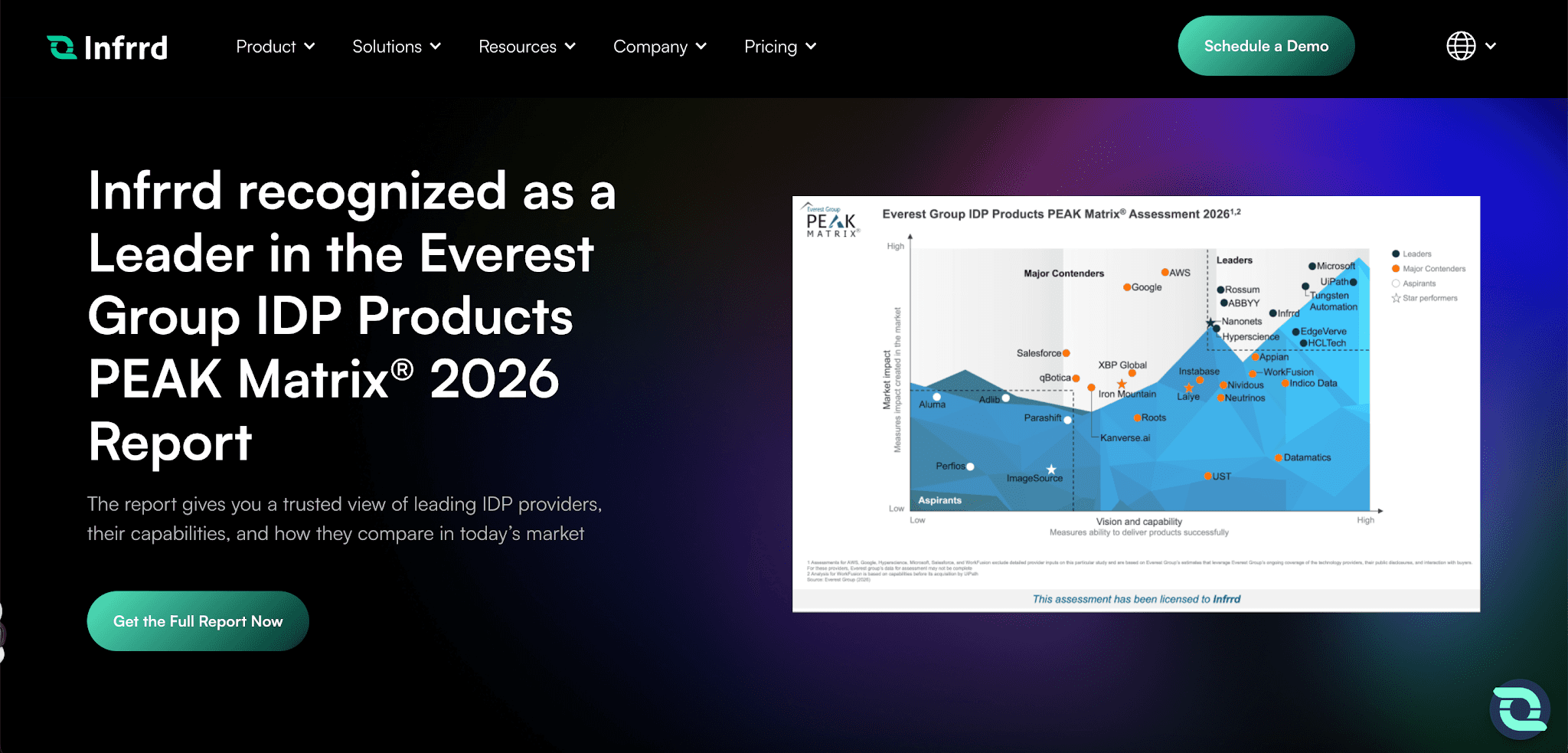
Image source: infrrd.ai
Infrrd is an IDP platform with two products: MortgageCheckAI for loan package review and Mortgage Ally for income analysis.
Teams may compare Infrrd when quality control (QC) and post-close audits take too much review time.
Key Features
Handle data extraction from 1003s, verification of employment forms, credit reports, wire instructions, pay stubs, tax returns, and income statements
Use document classification to sort, stack, and bookmark large loan files
Flag missing files, expired closing disclosures, fee differences, and rule-based discrepancies
Compare loan estimates, closing disclosures (CDs), and title documents for CD balancing
Reconcile borrower names, aliases, and spelling differences
Normalize earnings, average variable income, and flag allowable deductions
Apply validation rules for Fannie Mae, Freddie Mac, and lender-specific standards
Where Infrrd Fits in Loan Package Review
Infrrd is mainly relevant for audit-heavy mortgage workflows. A lender might use it when a file needs CD balancing, income verification, or post-close review before investor delivery.
MortgageCheckAI covers file organization, issue reports, and version control. Mortgage Ally covers income calculations and discrepancy flags.
That makes Infrrd more centered on audit prep and data quality than borrower follow-up or broader AI loan file preparation.
3. Ocrolus — Best for Income, Asset, and Fraud Review
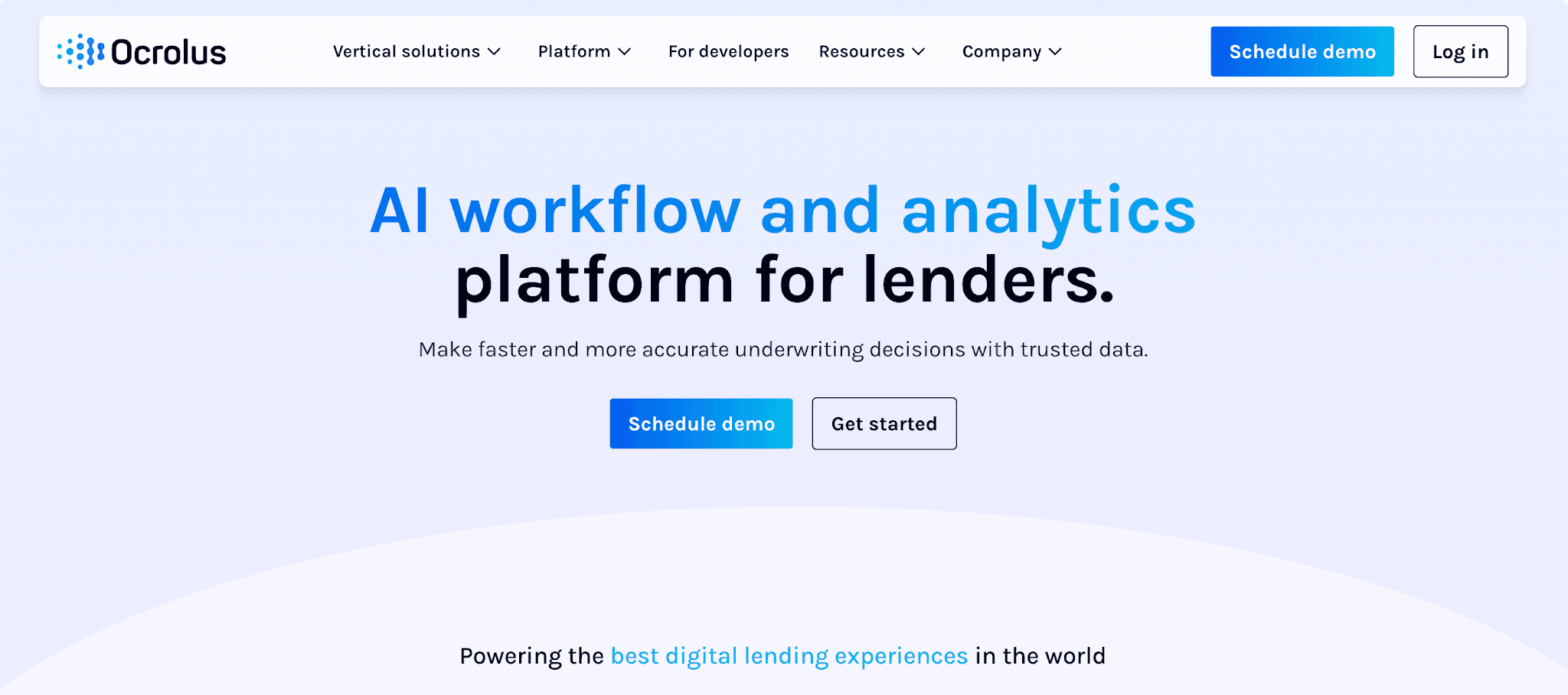
Image source: ocrolus.com
Ocrolus is a document AI platform used by lenders, banks, and other financial institutions. In mortgage, it applies automated review to a borrower's financial records and identity documents.
Teams may compare Ocrolus when income calculations, asset checks, fraud red flags, or identity review slow the file review process.
Key Features
Index more than 2,000 document types
Extract income details from bank statements, pay stubs, tax forms, and supporting files
Review W-2, 1099, gig, self-employed, rental, and commission income
Analyze asset documents and loan conditions
Review credit, collateral, and automated underwriting system data
Flag tampering, mismatches, anomalies, and suspicious borrower activity
Route edge cases to human-in-the-loop review
Use model orchestration to choose an AI model for the task
Connect with Encompass
Where Ocrolus Fits in the Review Process
Ocrolus is mainly used after borrowers send bank statements, pay stubs, tax forms, or identity records. It turns those files into income and asset details for underwriter review.
For fraud checks, Ocrolus can flag altered files, mismatched fields, and unusual borrower activity.
Encompass users may also use Ocrolus Inspect to compare borrower paperwork against 1003 application data.
Ocrolus is more focused on automated mortgage document processing for financial review than borrower follow-up, guideline search, or full loan file preparation.
4. Amazon Textract — Best for Custom Mortgage Document Extraction on AWS
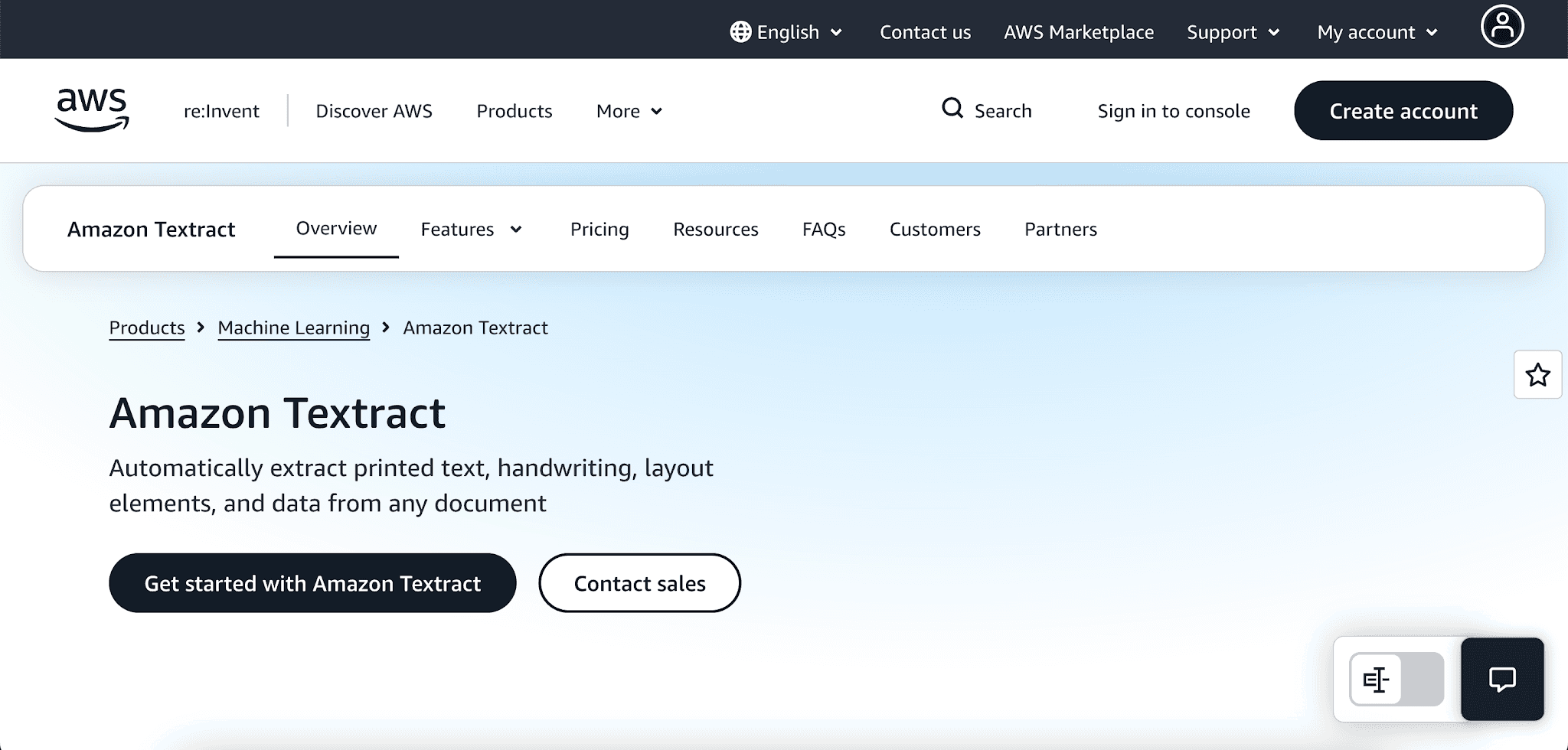
Image source: aws.amazon.com
Amazon Textract is a machine learning service from Amazon Web Services. It reads scanned pages and returns text, handwriting, tables, forms, signatures, and layout details.
For mortgage use cases, the Analyze Lending application programming interface (API) classifies and splits loan packages before extracting fields from each file.
Textract is useful when developers need an API for mortgage document extraction.
Key Features
Extract printed text and handwriting from scanned files
Read tables, forms, key-value pairs, signatures, and layout details
Classify and split loan packages by document types through Analyze Lending
Use prebuilt lending models for mortgage application packages
Extract data from pay stubs, bank statements, W-2s, loan application forms, and mortgage notes
Customize Queries with sample files through the AWS Console
Pair with Amazon Comprehend for natural language processing
Where Textract Fits in a Mortgage Tech Stack
Textract reads files and returns structured results through an API. Mortgage teams usually need developers, workflow rules, and review tools around it.
It can process complex documents, but it doesn’t manage borrower follow-ups, loan conditions, or guideline checks by itself.
For lenders already using Amazon Web Services, Textract can power automated mortgage data extraction inside a custom setup. Teams outside that environment may need more configuration before it matches the daily loan processing workflow.
5. airSlate — Best for No-Code Document Workflows and eSignatures
Image source: airslate.com
airSlate is a no-code platform for creating, routing, signing, and storing paperwork. Its mortgage use cases include deeds, forms, agreements, statements, disclosures, and closing documents.
The platform centers on paperwork assembly and e-signature, not borrower file review or underwriting checks.
Key Features
Create reusable templates, web forms, and fillable PDFs
Generate documents from customer relationship management platform data or backend records
Add merge fields, text tags, formulas, dropdowns, checkboxes, and upload fields
Route files through approval steps with assigned roles
Combine contracts, disclosures, attachments, and mortgage forms into packets
Send packets for e-signature with role-based signing order
Connect with Salesforce, NetSuite, Microsoft Dynamics, cloud storage, and application programming interfaces
Send notifications and track completion status
Keep audit trails for completed paperwork
Where airSlate Appears in Mortgage Paperwork
airSlate appears around document generation, approvals, and signatures. For example, lenders can generate a packet from Salesforce data, route it for approval, send it for signature, and then store the finished file.
airSlate is closer to paperwork workflow automation than automated mortgage document processing. It doesn’t review borrower uploads, check loan conditions, or compare lending guidelines.
6. TRUE — Best for Enterprise Mortgage Operations Automation
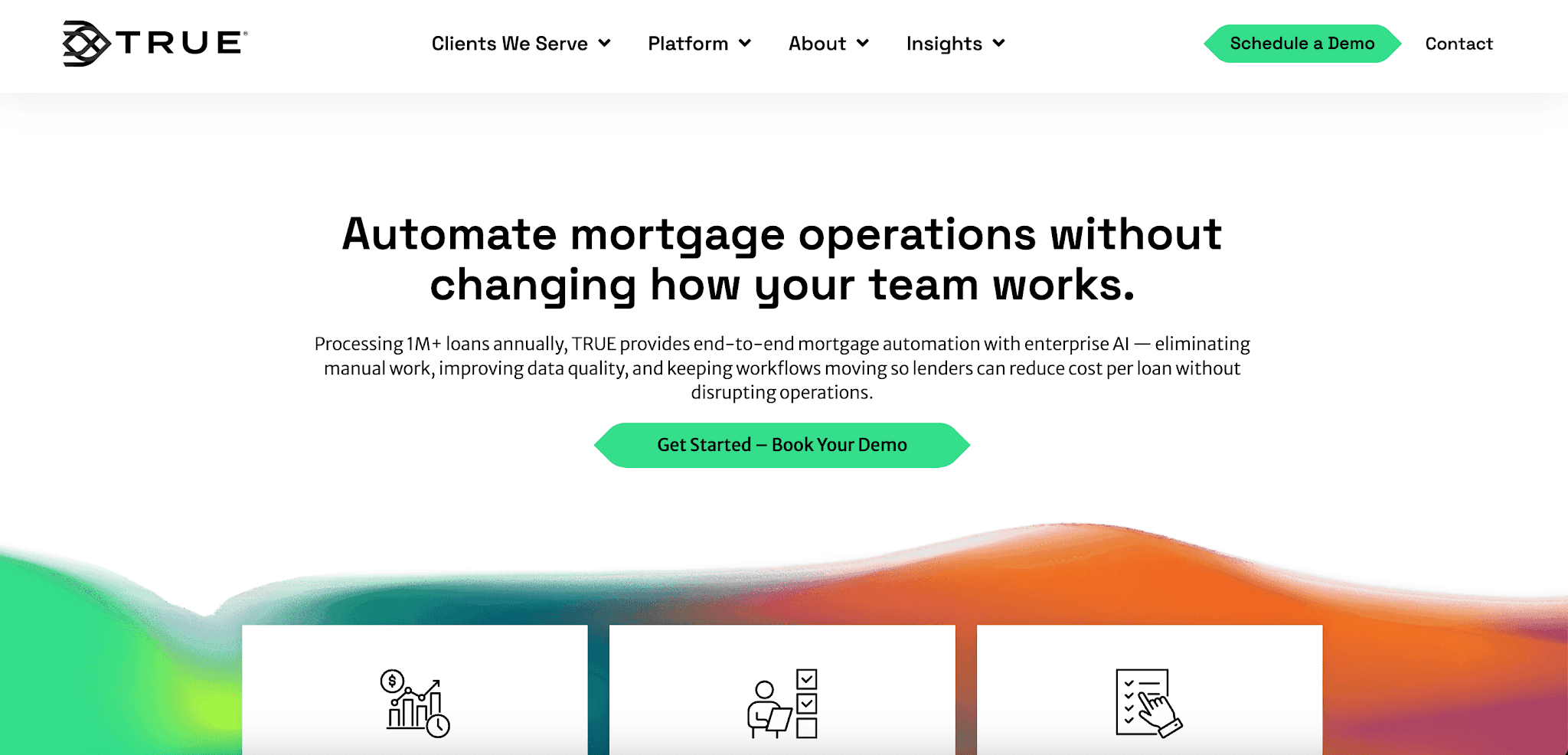
Image source: true.ai
TRUE offers Mortgage Operations Service (TRUE MOS). It uses enterprise AI for loan setup, processing, closing, and post-close review.
TRUE MOS leans toward back-office mortgage automation. It classifies files, checks borrower data, and routes exceptions for review.
Key Features
Classify, index, version, and organize borrower, broker, and third-party files
Split large PDFs and closing packages
Extract data and validate it against LOS fields and source documents
Use confidence scoring, cross-document comparison, and rule-based checks
Flag discrepancies, missing data, and rule violations
Create traceable conditions and route exceptions
Match and clear loan conditions
Check signatures, notary fields, dates, and document presence
Prepare audit-ready files with detailed audit trails
Where TRUE Applies in Closing and Post-Closing Review
TRUE MOS sits on the operational side of the mortgage lifecycle, where a single loan file may need sorting, validation, and exception routing.
Closing and post-close users may use it to split packages, check required fields, and reduce manual data extraction during review.
TRUE covers a wider operating area than basic document extraction tools. It may also help with data integrity and regulatory compliance, but it doesn’t center on borrower follow-up, guideline search, or loan officer assistance.
What Should Mortgage Document Automation Software Produce?
After mortgage document automation software reads a loan file, copied text isn’t enough. The result should show the facts that shape pricing, eligibility, and loan approval.
Start with borrower and property details. Anyone checking the package needs enough context to confirm that the application matches the supporting paperwork.
Loan terms deserve the same check. When the application and documents contain different information, the file may need to be corrected before it moves forward.
Income and asset data should explain where the qualification numbers came from. A pay stub, tax return, or bank statement means more when the software connects the value to its source.
Large deposits, unusual balances, and valuation details also need context. Tax returns, investment account statements, profit and loss statements, and appraisal reports contain figures that can change the final decision.
The system also has to flag compliance risks in plain language. Missing signatures, expired records, name mismatches, and fraud signals become easier to handle when they don’t stay buried in long PDFs.
For file preparation, processors need to know which item to fix or request next. Data extraction accuracy and automated document classification only help when the output points to a missing file, open condition, or data inaccuracy.
Get Mortgage Files Ready for Underwriting With Addy

Every approval depends on accurate borrower records. Pay stubs, bank statements, tax forms, and open conditions all have to line up before a loan can move forward.
Addy gives lenders AI agents that read those records and find missing items during document collection. Processors can see what still needs attention before the file reaches underwriting.
That reduces human error in the handoff from borrower paperwork to loan review. It also cuts repeated file checks that can raise operational costs.
FAQs About Mortgage Document Automation Software
What documents can mortgage document automation software process?
Mortgage document automation software can process borrower applications, pay stubs, bank statements, tax forms, appraisal reports, and closing records. These files contain key data points used throughout the loan review process.
How does AI improve mortgage document review?
AI reads mortgage paperwork, finds missing details, and connects numbers to their source documents. It helps lenders organize data from extensive documentation without checking every page by hand.
What is the best document automation software?
The best document automation software depends on the work a lender needs to improve. Addy is a great option for teams that want AI to review files, find missing items, and prepare files within the mortgage process.
Start closing more loans – Book your demo today
Stay ahead of the competition and discover how AI can accelerate your loan origination process, reduce manual work, and help you close more deals in less time. Book a demo today and start experiencing the future of lending.