Michael Vandi
Mortgage documents are packed with details that can stall a loan when they’re missed. A processor can lose an afternoon checking bank statements, pay stubs, tax forms, 1003s, and borrower emails by hand.
Mortgage data extraction software reads those documents, captures the key fields, flags mismatches, and sends usable data into the loan workflow. The right tool can help a team prep files with fewer errors.
This guide compares six top options for lenders.
TL;DR
Here are the best mortgage data extraction software tools for lenders that need cleaner documents and faster loan workflows:
Lido
Docsumo
Instabase
Ocrolus
ABBYY Vantage
What Mortgage Teams Should Look for in Data Extraction Software
Mortgage data extraction software should do more than read text. Basic optical character recognition (OCR) can capture words from a document, but mortgage files need review that understands context.
Look for a tool that can identify each file, extract the right fields, and compare related documents before underwriting. Some platforms use large language models (LLMs) to read borrower emails, summarize file details, and flag missing items.
The software should cover the main document groups in a loan file:
Loan applications and appraisal reports
Tax returns, W-2s, 1099s, and pay stubs
Bank statements and asset documents
Title documents and closing disclosures
Borrower emails and loan origination system (LOS) files
It should capture the details reviewers most often check, such as borrower identity, income, assets, loan terms, property details, and unusual bank activity.
For example, income on the application should match pay stubs and W-2s. Bank balances should match asset documents. Missing pages should be flagged before the file reaches the next reviewer.
6 Best Mortgage Data Extraction Software Options in 2026
The tools below help teams extract, classify, validate, and route document data without relying on manual entry for every loan file.
1. Addy
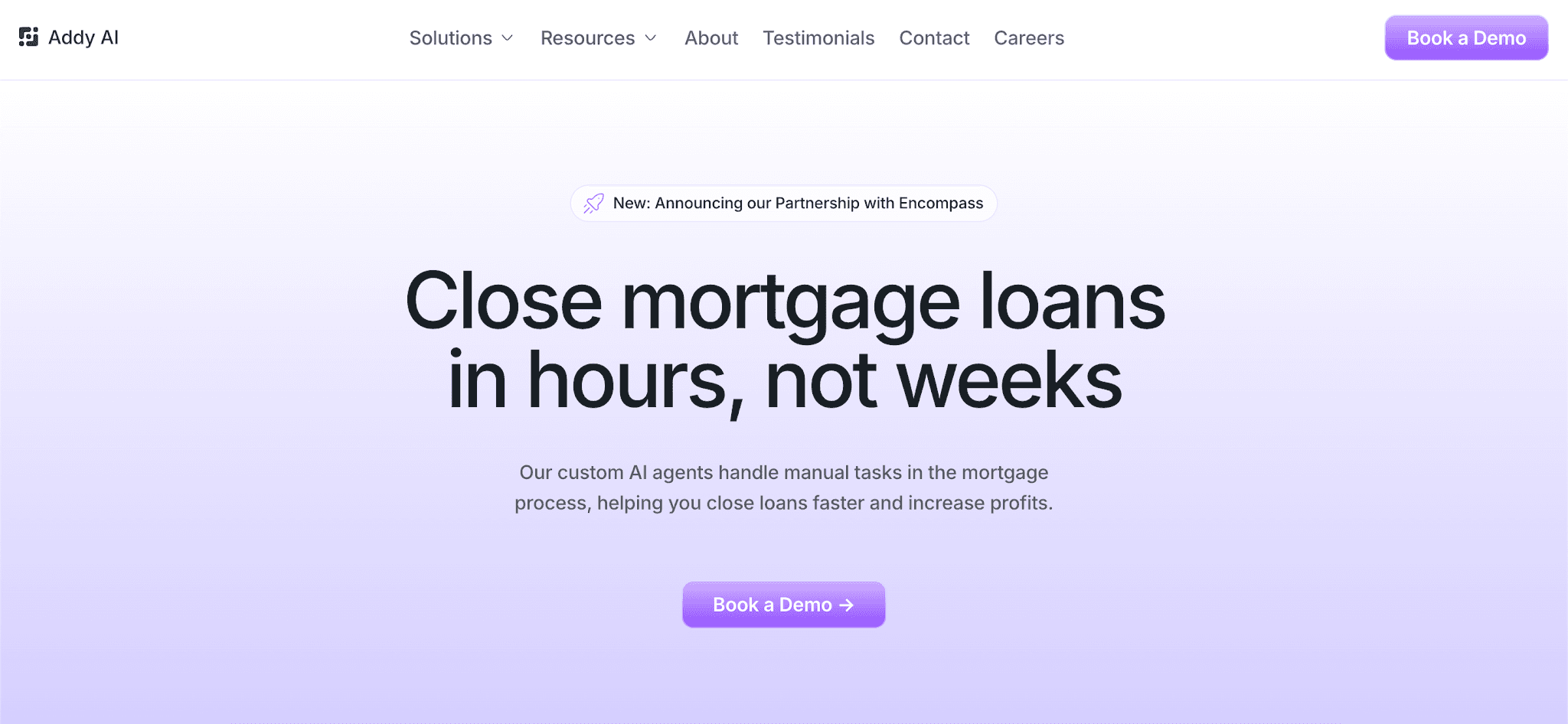
Addy is the most lender-specific option on this list. It reads borrower files, checks conditions, spots missing items, and prepares packages for underwriting.
It’s a practical choice for lenders who need mortgage data extraction software integrated into daily processing, not basic field capture.
Key Features
Extracts and verifies borrower information from 1003s, 1040s, 1099s, W-2s, W-9s, bank statements, pay stubs, tax forms, borrower emails, and LOS files.
Uses computer vision to read unstructured documents with varied layouts
Classifies incoming files and links them to the correct application
Sends borrower details into the LOS to cut down on manual data entry
Reviews documents, emails, and borrower messages to generate summaries
Highlights large deposits in bank statements for the loan officer's review
Reviews conditions and automated underwriting system (AUS) findings to spot missing items
Uses the Processing Checklist to sync with the LOS, classify files, run product-specific conditions, and prepare files for underwriting in minutes.
Pros
Addy is a better match for mortgage teams that want extraction results inside their loan process, not as a separate document export.
That matters when borrower files are spread between a LOS, customer relationship management (CRM) platform, point-of-sale (POS) system, inboxes, and team messages.
Addy helps connect those sources so processors can work from borrower data that’s already linked to the right loan.
What Addy Does After Extraction
Addy uses extracted borrower details to help processors see what a file still needs. It builds required-item checklists and sends borrower or broker follow-ups through email, text, phone, or automated calls.
It also compares lending guidelines from Fannie Mae, Freddie Mac, non-qualified mortgage (non-QM) lenders, and other investors. This helps reviewers see whether the borrower information meets the right criteria before submission.
Addy connects with LOS, CRM platforms, POS systems, Gmail, Outlook, Slack, and Microsoft Teams.
Addy also offers a ChatGPT app for mortgage pre-underwriting. It lets teams use Addy’s AI agents inside ChatGPT to review borrower documents.
The app can identify missing conditions and generate structured pre-underwriting findings in minutes.
2. Lido
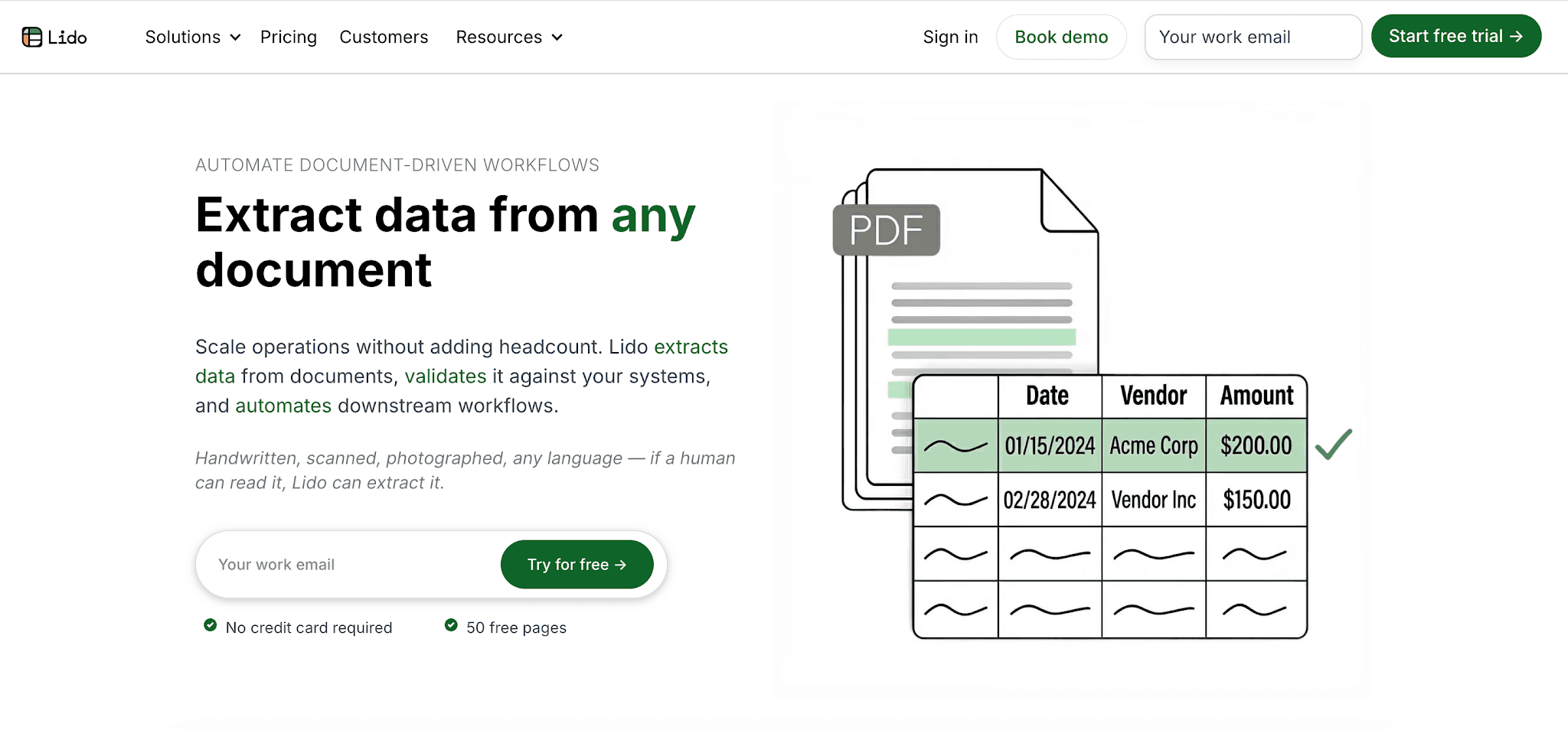
Image source: lido.app
Lido is a flexible tool for automated extraction from varied file types and layouts. Users can name the fields they need, then send the results into connected systems or export them for review.
For lenders, Lido is more relevant to general mortgage document automation than deep loan processing. It can help with bank statements, tax forms, and borrower-uploaded files, but teams should check how far it can go inside a mortgage workflow.
Key Features
Extracts fields and tables without template setup or training
Processes PDFs, scans, photos, Word files, email attachments, and handwritten notes
Ingests files through batch uploads, shared folders, and shared inboxes
Matches values against enterprise resource planning (ERP) platforms, CRM platforms, or internal databases
Flags low-confidence records for human review
Exports results as comma-separated value files or sends them through application programming interfaces (APIs)
Triggers file splitting, file renaming, scheduled outputs, and downstream document creation
Pros
Lido lets users choose the details they want to capture. That can help when a workflow needs structured data from bank statements, tax forms, or shared inboxes.
Its matching feature can compare extracted values with internal records. For example, it can connect a company name from a document to a similar name in a database.
Cons
Lido is a general extraction platform, not a mortgage-only product. Lenders should test it with their own files before relying on it for document review, missing condition checks, or LOS tasks.
User feedback also mentions occasional parsing issues, page-limit concerns, and limited auto-response options after extraction.
3. Docsumo
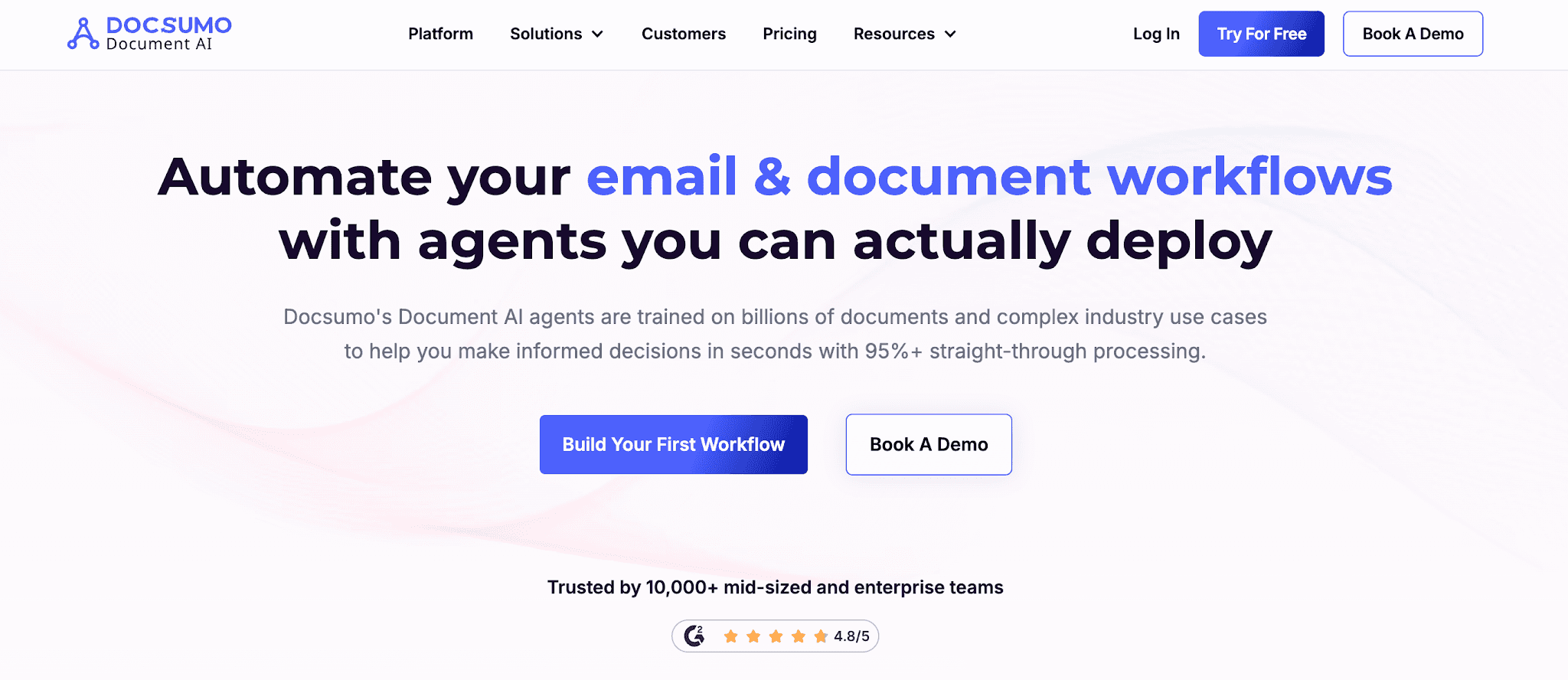
Image source: docsumo.com
Docsumo is an intelligent document processing (IDP) platform with Document AI agents, pre-trained models, custom training, and validation rules.
It’s relevant for lenders who need extracted data from unstructured files, especially bank statements, tax returns, and income verification documents.
Key Features
Uses Document AI agents trained on large document sets and complex industry use cases
Offers 30+ pre-trained models, plus custom model options
Trains custom models with as few as 20 samples
Processes bank statements, tax forms, W-2s, pay stubs, loan files, and other complex documents
Analyzes bank statements for cash flow trends, NSF counts, and merchant cash advance (MCA) balances
Splits multi-page or merged files and sorts them into categories
Captures fields and tables from unstructured files, then shows values in Excel-like tables
Applies custom validation rules before export or delivery into connected systems
Accepts files through email, APIs, cloud drives, local uploads, and automation tools like Zapier
Pros
Docsumo has mortgage-related agents for loan document processing and borrower file review. Its Loan Document Processing Agent packages bank statements, tax returns, and W-2s for underwriting.
Its Mortgage Document Review Agent checks borrower files against investor checklists. It can also compare income from pay stubs and tax returns, then flag discrepancies before underwriting.
Cons
Docsumo may need more tuning when lenders upload new document formats. Scanned, non-digital files can also cause character mix-ups, such as 0 versus O or 1 versus I.
High-volume use may raise cost concerns. Teams that need custom event actions may also need webhooks or workarounds, depending on the workflow.
4. Instabase
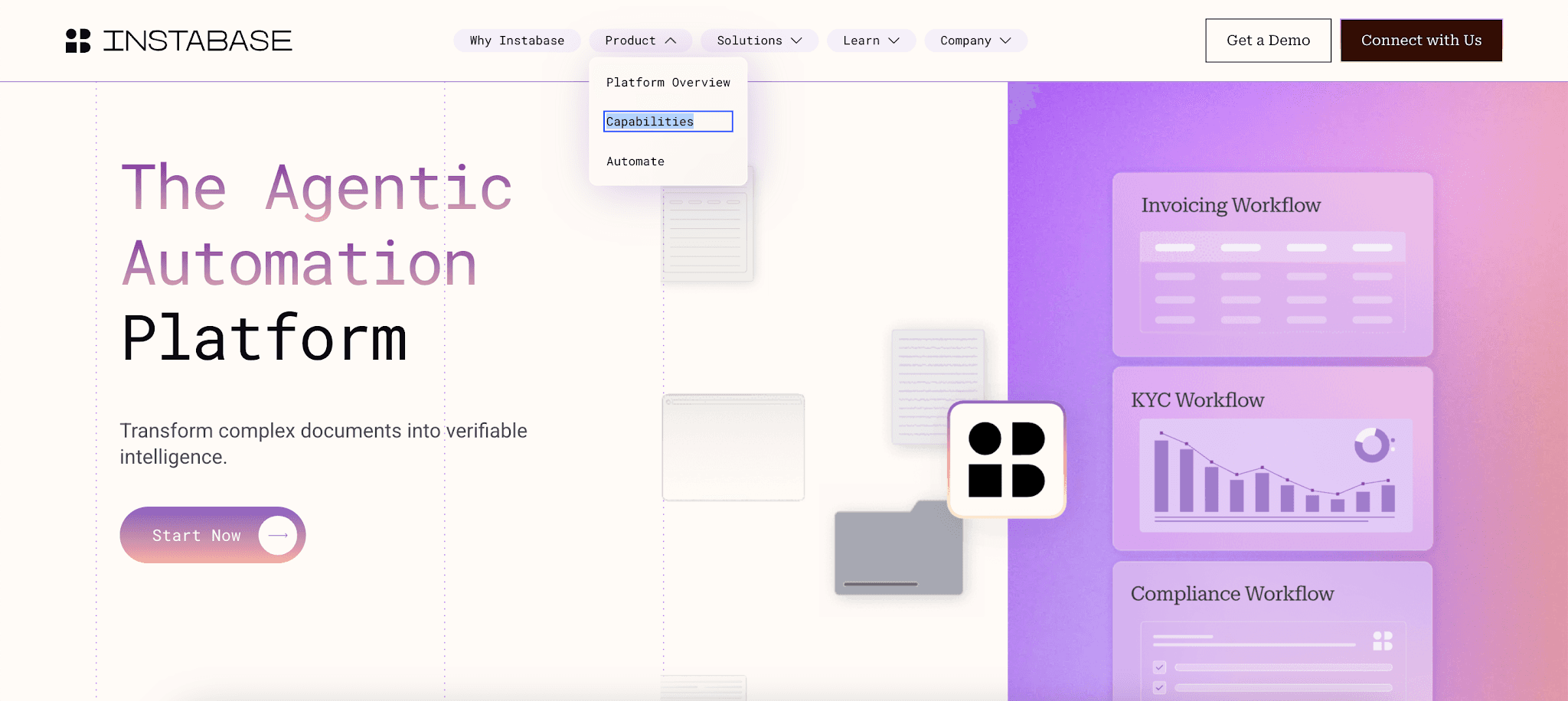
Image source: instabase.com
Instabase is an enterprise platform for banks, lenders, and financial institutions with complex file operations. Its mortgage origination use case covers packet splitting, borrower information extraction, identity checks, and income verification.
It’s more relevant when a lender needs to process multiple documents and route results into downstream systems.
Key Features
Uses proprietary deep document understanding and AI agents
Lets users configure processing apps without code or model training
Handles document classification and packet splitting
Extracts text, tables, lists, and reasoning from files
Standardizes extracted information with cleaning settings, prompts, and functions
Cross-references values between related files
Lets reviewers compare outputs with the highlighted source text
Tracks test extraction quality benchmarks, handling times, and reviewer output
Connects through APIs, software development kits (SDKs), and connectors
Pros
Instabase can help larger lenders manage complex document operations from setup to monitoring. It gives managers tools to assign review tasks, track handling times, and monitor accuracy.
Its mortgage origination use case is also relevant for borrower identity and income checks. That makes it useful when incoming files need organization before review.
Cons
Instabase may require more setup than a mortgage-specific tool. Lenders may need technical resources to configure apps, manage queues, and connect outputs to internal systems.
The platform may also be heavier than needed when the main priority is borrower file extraction and missing-item review. Users also highlighted cost concerns and occasional navigation issues.
5. Ocrolus
Image source: ocrolus.com
Ocrolus is a document AI platform for financial decisioning. For lenders, it focuses on income calculations, asset analysis, condition management, fraud detection, and AUS review.
Its artificial intelligence models review the file first. Harder cases go through extra AI checks or human reviewers.
Key Features
Converts bank statements, pay stubs, and tax forms into decision-ready income data
Supports W-2, 1099, gig, self-employed, rental, and other income profiles
Indexes 2,000+ document types
Reviews assets, conditions, credit, collateral, and AUS findings
Identifies discrepancies between borrower-provided documents and Encompass 1003 application data
Flags tampered files, mismatches, anomalies, and inconsistencies
Uses specialized language models and model orchestration
Routes low-confidence tasks through agentic verification and human-in-the-loop review
Provides audit-ready outcomes for financial decisioning
Integrates directly with Encompass
Pros
Ocrolus is relevant for teams that need accurate data from income documents, asset checks, and fraud signals. Its supported income profiles include self-employed, rental income, gig work, and 1099 borrowers.
Cons
Ocrolus may be more specialized than lenders need if they only want basic mortgage document extraction. Before choosing it, check whether the workflow belongs in Ocrolus, Encompass, or another loan system.
Processing time may also be a concern in some cases. A review note says results can take up to a business day, rather than seconds.
6. ABBYY Vantage
Image source: abbyy.com
ABBYY Vantage is a broad IDP platform, not a mortgage-only tool. It uses AI extraction Skills to capture information from structured, semi-structured, and unstructured files.
For mortgage teams, ABBYY Vantage is more relevant when extraction needs extend beyond loan files. It may help with custom forms, appraisal reports, title documents, closing disclosures, and internal business records.
Key Features
Offers low-code and no-code intelligent document processing.
Provides pre-trained AI extraction Skills for 150+ use cases.
Lets users design, train, and publish custom Skills.
Reads handwriting, barcodes, and checkboxes.
Uses continuous learning from new file variations and human-in-the-loop review.
Monitors deployed Skill performance.
Sends process-ready content into robotic process automation (RPA), business process management, enterprise resource planning, enterprise content management, and related tools.
Integrates with Microsoft Power Automate, Blue Prism, UiPath, Automation Anywhere, and similar platforms.
Pros
ABBYY Vantage can help companies automate data extraction for finance, onboarding, operations, customer records, and other business documents.
Its Skill Designer may be useful when a company needs to capture data from individual documents with different formats. For mortgage use, those files could include appraisal reports, title documents, or closing disclosures.
Cons
ABBYY Vantage may need more setup than a mortgage-specific platform. Complex files often require configuration, testing, and fine-tuning before extraction results are reliable.
It may also be too broad for teams that mainly need loan file review, missing-item checks, or loan origination system workflows. Teams should test it with their own files before comparing it with mortgage-native options.
How to Test Data Extraction Tools With Real Mortgage Documents
Test mortgage data extraction software with real loan files. Demo files often look perfect, but daily files can include blurry scans, missing pages, merged PDFs, and borrower-uploaded photos.
Create one test packet for every vendor. Include clean PDFs, multi-borrower files, long bank statements, appraisals, title documents, closing disclosures, and borrower email attachments.
Use the same scoring sheet for every demo. This keeps the decision based on file results, not the sales presentation.
Score Document Classification and Field Accuracy
Start with file sorting. Did the tool name each file correctly and split merged packets into the right sections?
Then check whether it extracts key data from the source files. Review the following:
The borrower's name
Income amounts
Employer details
Account balances
Loan amount
Property address
Closing figures
Look at the document structure too. Tables lose value when rows, columns, or labels are misread.
Review Validation and Exception Handling
Test unclear files, not just easy ones. Include missing pages, blank fields, mismatched numbers, and low-confidence results.
Check what happens next. The tool should show confidence scores, save reviewer edits, and keep audit history.
Use this step to review exception handling. If processors still need to search for every problem, the tool won’t reduce cleanup work.
Confirm LOS and CRM Integration
Ask vendors to show how the data enters the LOS and CRM platform, or the loan file.
Use direct demo prompts:
“Show how extracted data enters the LOS.”
“Show how low-confidence fields are handled.”
“Show how edits are logged.”
“Show how missing items trigger follow-up.”
“Show how the tool updates the CRM or loan file.”
Watch for hidden manual processes during the demo. If the vendor skips field mapping, review queues, follow-up triggers, or system updates, ask them to show each step.
Why Mortgage Data Extraction Needs Workflow Automation
Extraction doesn’t finish the job. After a document is reviewed, the data still needs to drive the next loan action.
A processor may need to update the LOS, request a missing W-2, flag a condition, or send a borrower follow-up. If the team still has to manually extract values and enter them somewhere else, the software leaves too much work behind.
That slows the loan lifecycle and creates more room for error. It can also raise per-loan costs when processors spend time on copy-and-paste tasks.
Mortgage teams also need a reliable record of what changed, who changed it, and when. That's especially important for regulatory requirements and internal file review.
Addy connects the extraction with the next loan task. It classifies documents, reviews files, finds missing conditions, sends follow-ups, and helps prepare files for underwriting or clear-to-close.
That gives borrowers faster updates and a better customer experience.
Extract Mortgage Data and Review Loan Files With Addy

Mortgage data extraction software should connect document data with loan decisions. In the mortgage industry, exported data still requires processors to check conditions, request missing items, and prepare files for underwriting.
Addy uses AI agents and machine learning to review documents and figure out what the file is missing. It connects extraction with loan review, borrower follow-up, and underwriting readiness.
Addy also works with LOS, CRM platforms, POS systems, email, and communication tools. You can keep your legacy systems and reduce repetitive document checks.
FAQs About Mortgage Data Extraction Software
What software is used for data extraction?
Data extraction software includes IDP platforms, OCR tools, and mortgage AI systems. For mortgage lenders, tools like Addy, Ocrolus, Docsumo, Instabase, Lido, and ABBYY Vantage can extract data from loan documents.
What documents can mortgage data extraction software process?
Mortgage data extraction software can process loan applications, bank statements, pay stubs, W-2s, 1099s, tax returns, appraisals, title documents, and closing disclosures.
It can also capture borrower details, income data, assets, property information, loan terms, and property value.
How accurate is mortgage data extraction software?
Accuracy depends on document quality, file type, model training, and human review. Tools with high accuracy still need validation for unclear scans, missing pages, complex income documents, and incorrect loan details.
Start closing more loans – Book your demo today
Stay ahead of the competition and discover how AI can accelerate your loan origination process, reduce manual work, and help you close more deals in less time. Book a demo today and start experiencing the future of lending.